Approval List
Users can request to publish their private factor modules, factor run templates, and strategies to the department, allowing other users with permissions in the department to access them. It should be approved by department-level approvers.
Department administrators can apply to publish the factor modules, factor run templates, and strategies public within the department to the system, allowing users with permissions in other departments to access them. It should be approved by system-level approvers.
Users can designate one or more approvers for each department when submitting a publish request. If any approver accepts, the submission is approved for the department. If any approver rejects, the submission is rejected.
Users can designate one or more departments when submitting a publish request:
- For a first-time request, each department processes the request independently, and approval or rejection of one department does not affect others.
- For a second-time request, approval from all designated departments is required. If any department rejects the request, it will be denied across all departments.
My Submissions
This module displays all publish requests submitted by the current user. It is divided into three tabs based on the type of submission: Factor Module, Factor Run Template, and Strategy.
Taking the Factor Module as an example, it includes: module name, properties, submission time, access level, creator, status, and other relevant information.

Review Details: Click the module name to view its review details.
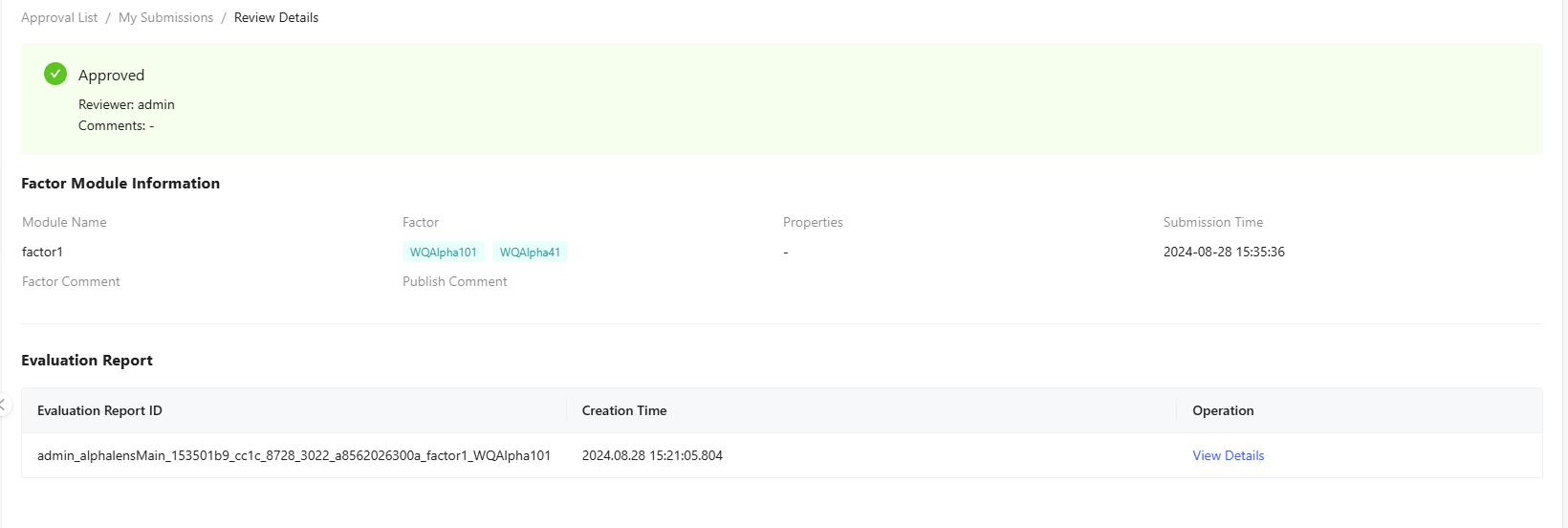
The pop-up displays the current approval status, factor module information, evaluation report, and factor code (if public to the approvers). Click View Details to see the full details of the evaluation report.
Withdraw: Withdraw submissions that are currently "Reviewing".
My Reviews
Only system-level or department-level approvers can access this module.
The module displays all requests submitted to the current user, including details such as the name, properties, submission time, access level, creator, submitter, and status. Users can filter submissions by departments.
This module is divided into three tabs based on the type of submission: Factor Module, Factor Run Template, and Strategy.

Review Details: Click the module name to view its review details with Approve and Reject buttons in the top right corner.
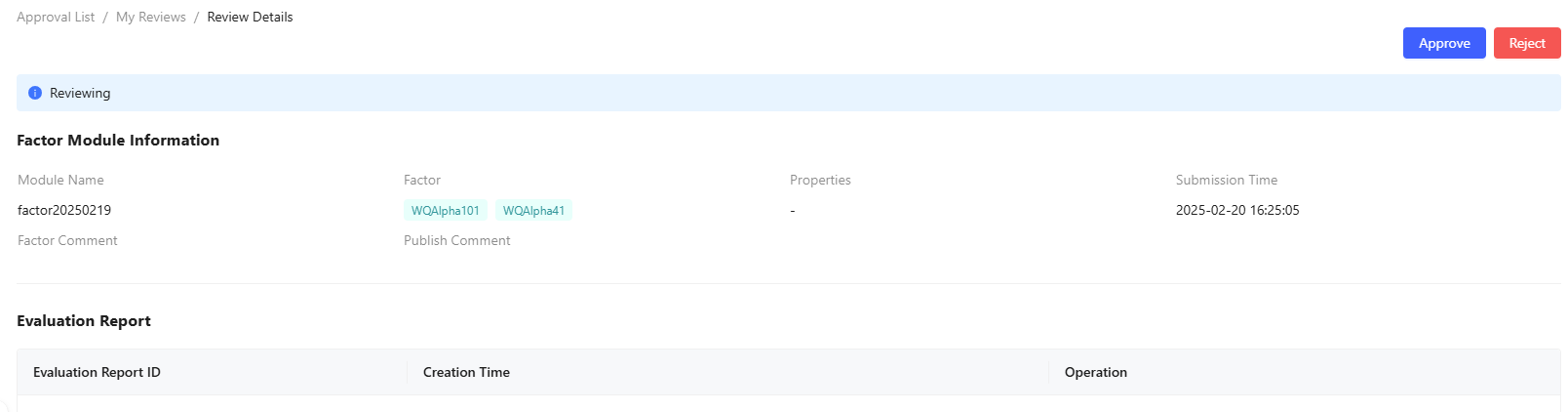
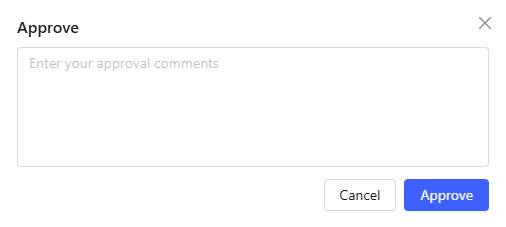
Approve: Approve the request and optionally enter your comments for the submitter.
Batch Approve: Select multiple submissions from the table to approve them in bulk.
Reject: Reject the request and optionally enter the reason for the submitter.